Standard BC functionalities using AI are described here https://learn.microsoft.com/cs-cz/dynamics365/business-central/enable-ai.tag.
Copilot
The functionalities that are a standard part of Business Central, including chat and copilot, are described below. However, their list is getting bigger with every BC update.
Agent
Copilot in OneCore
THERE are now 2 co-pilots in the One. Core system, which makes it easier to work with the contract before activation. These are:
-
Change the financing period on the contract before activation
API Change Calculation Prompt (54395, PromptDialog). Tag. The functionality is the same as when executed manually and is described bySmlouva bez služeb a Smlouva se službami -
Contract Activation
API Change Calculation Prompt (54395, PromptDialog)The functionality is the same as when executed by the wizard, including all checks, and is described in Aktivace smlouvy
Activation of the functionality is in the settings Copilot AI Capabilities (7775, Document).
it is currently a standalone application Change Financing Calculation Copilot
Copilot can be started from the contract overview API Financing Contract List (4026398, List)
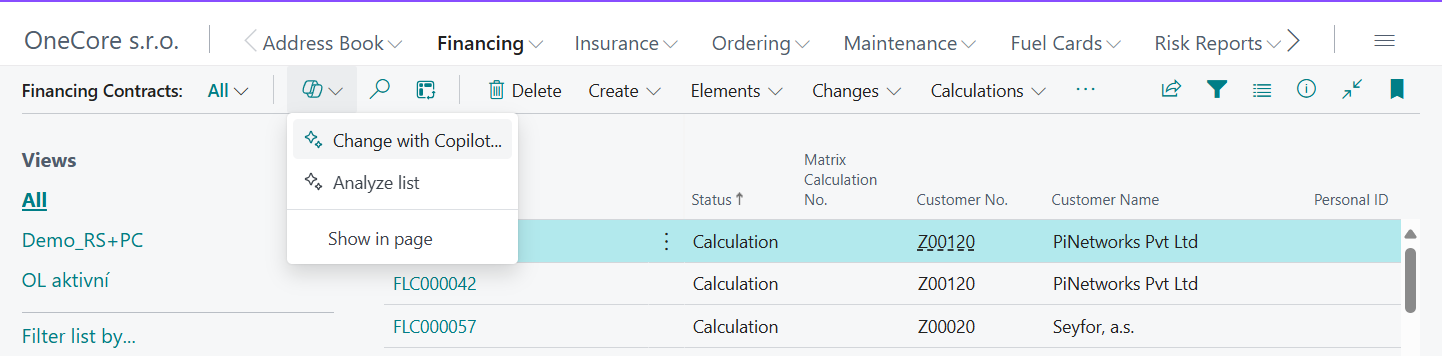
or directly from the card of the contract API Financing Contract (4026396, Card)using the "Change with Copilot..."

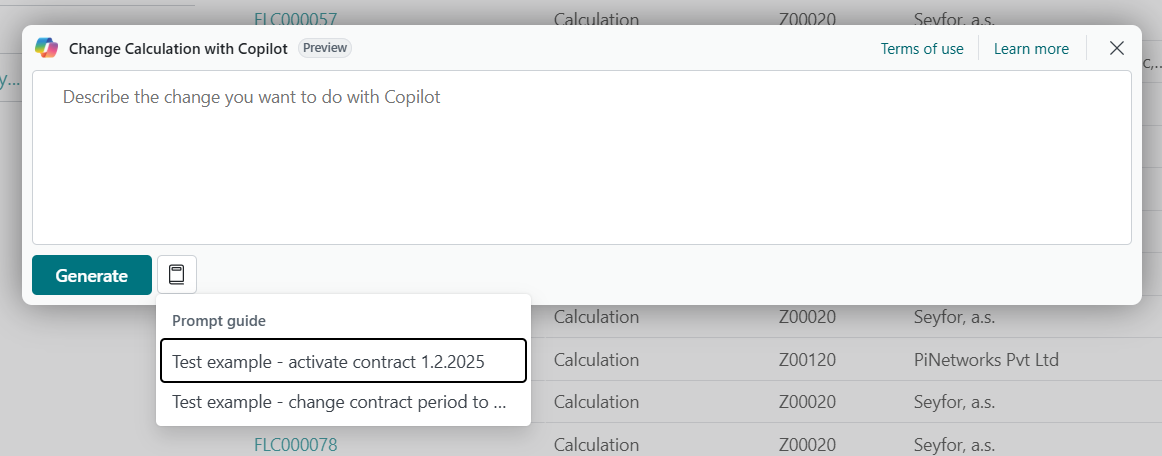
SUBSEQUENTLY, a prompt window will open, where sample suggestions of the assignment are also listed