For working in Rental App set Role Rental via My settings.
Dashboard
-
In the upper part of dashboard you see the list of your Rent Items, Customers, Longterm Rents and Item Utilization.
-
For more information about working with item utilization see Reservation/Rent creation in OC Rental App
-
In section Actions you are able to create:
-
New Reservation
-
New Rent
-
New Rent Item
-
Settings
-
Under button Settings can be done basic setup of Rental App
-
Detailed information see How to do basic setup of OneCore Rental App.
-
-
-
Tiles
-
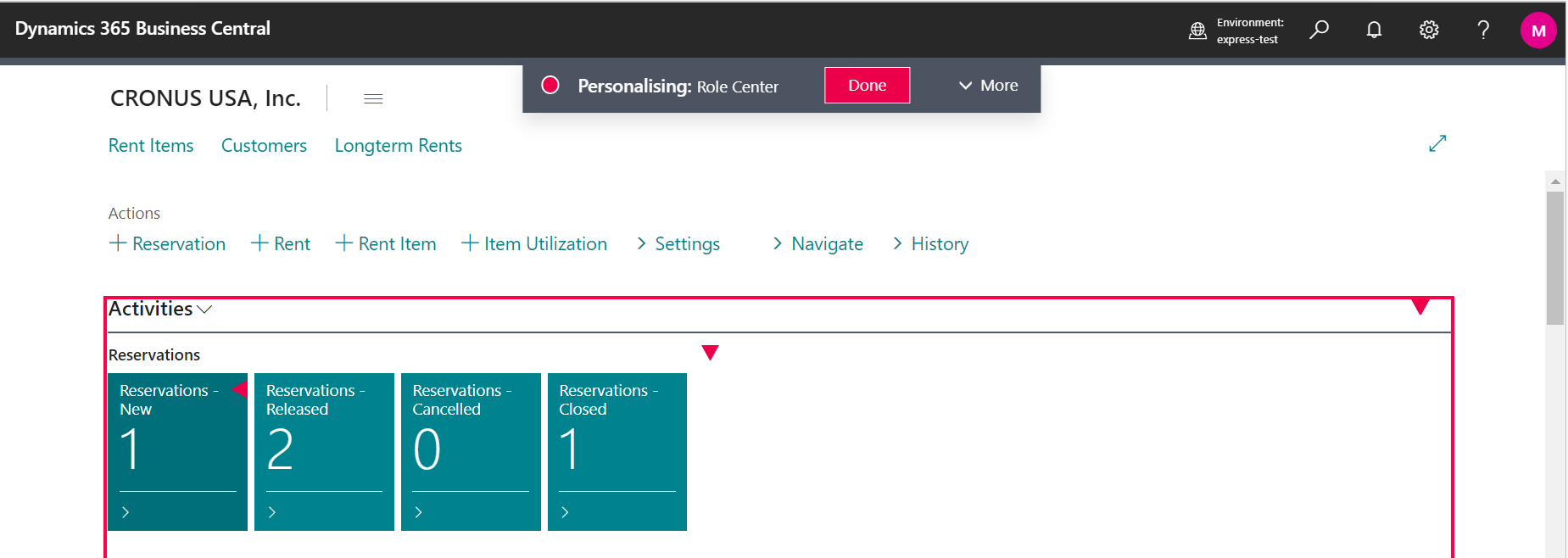
On dashboard you can see the overview and the state of all you reservations and rents - from status New to Invoiced.
-
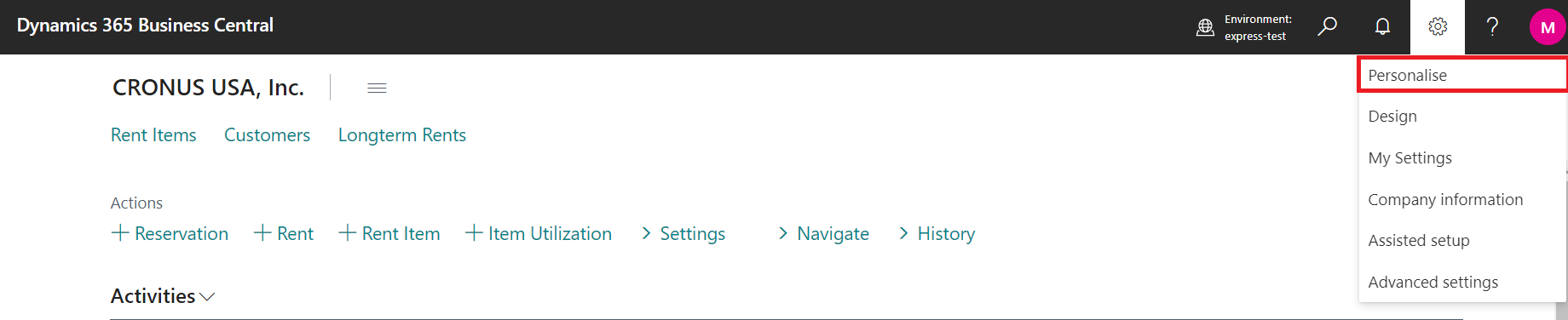
It is possible to adjust the design of dashboard according to your requirements clicking on button Personalize by clicking and moving red triangles. Changes will be confirmed by button Done.