
If parallel processing is enabled on the Performance tab in the OneCore Settings, the system will make a copy of the data in parallel according to the diagram below.
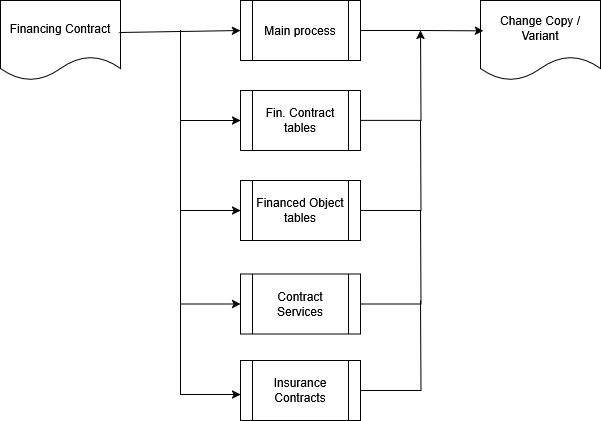
Parallel processing is implemented into the following functions:
-
Create Change Copy / Variant
-
Deleting a Change Copy / Variant
-
Transfer Change Copy / Variant
-
Change Copy Recovery
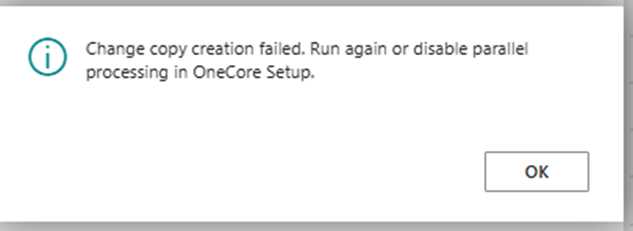
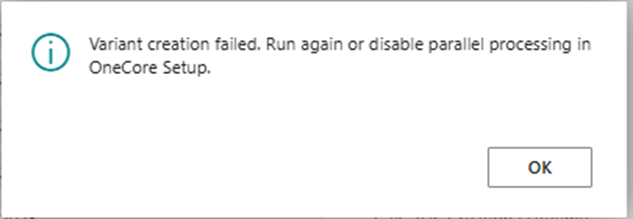
In case of failure of any of the tasks, a process is started to ensure the deletion of the created data, or the system displays a message:
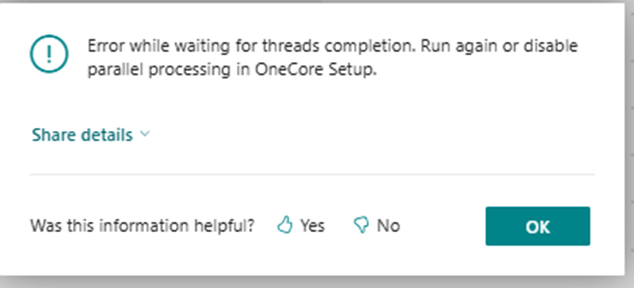
If any of the tasks within the timeout is not completed (set in OneCore Setup), the process ensuring the deletion of the created data is started, or the system displays the message:
If you use the Delegated administrator license to access the system, parallel execution is not activated due to the inability to run scheduled tasks.