
RC OneCore – Sales Manager
In RC OneCore – Sales Manager, the options for the business activity of the sales representative – Sales Manager are selected. This RC is used to increase efficiency and facilitate its labour – a detailed description of individual options is described in the relevant documents (mainly Smlouva se službami,, Smlouva bez služeb Změny smlouvy, and Adresář, respectively. Importéri a dealerství tags).
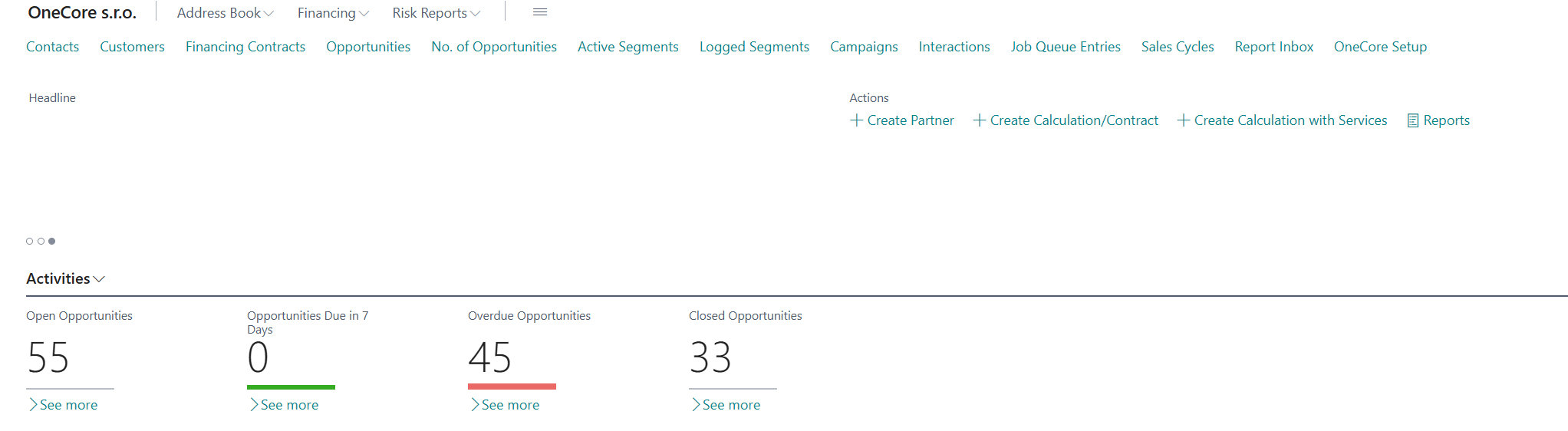
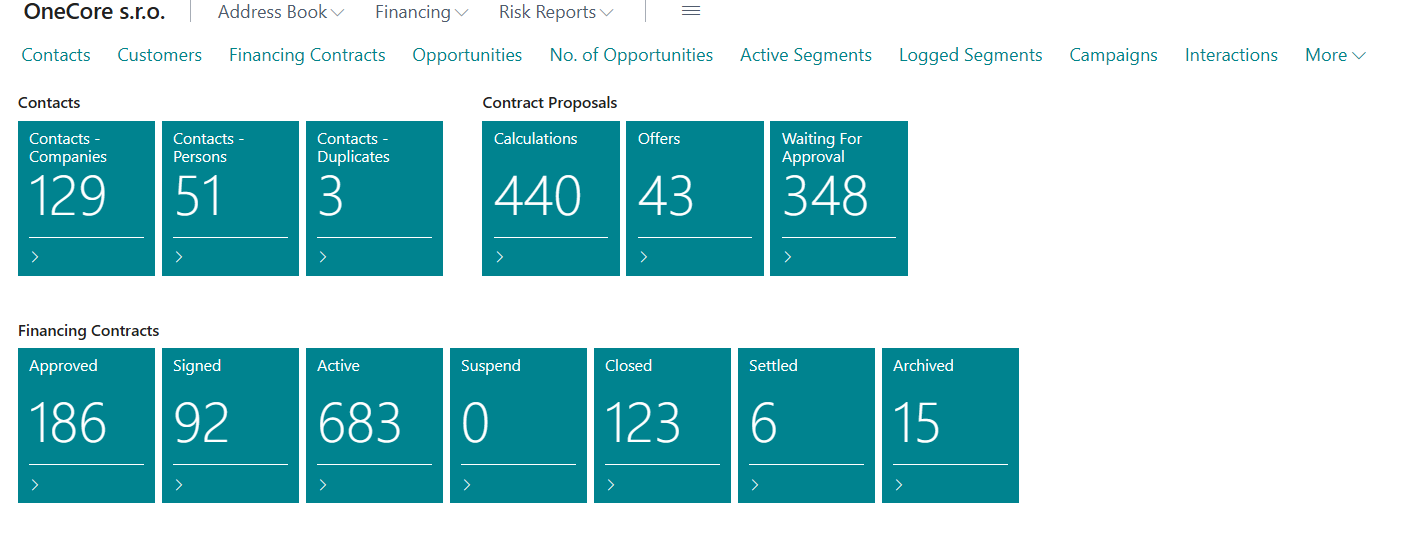
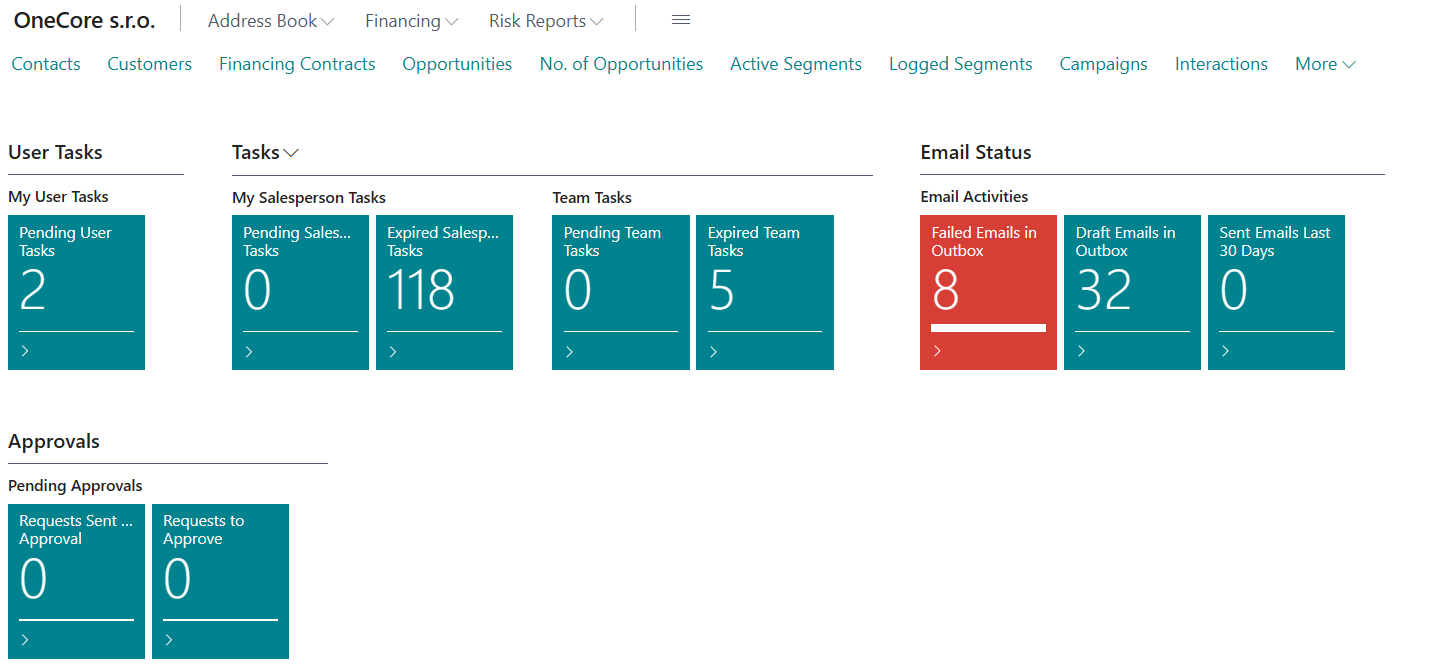
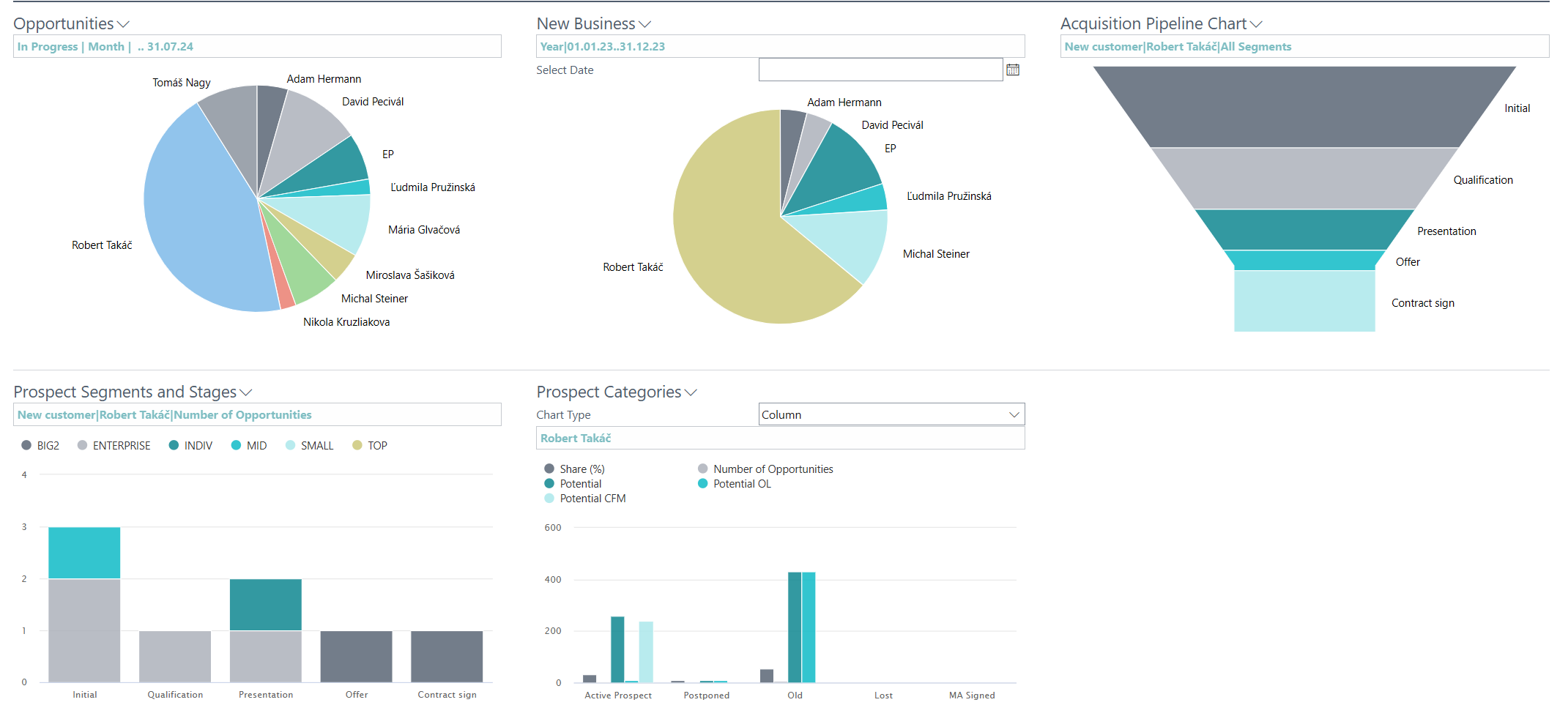
Cues according to the original MS solution display the number of records, but if the number of records is more than 1000, they display the value 999+. Therefore, some have been modified to show the actual number - Calculations, Offers, Waiting for Approval, Approved, Signed, Active, Suspend (iba kvoli jednotosti), Closed, Settled, Archived.
Description of the tiles to view the tasks:
-
Pending User Tasks:
-
a list of pending tasks that are assigned to the logged-in user
-
. List Task View Filter
-
% Completed <>100
-
Pending Tasks = Yes
-
-
-
-
Pending Salesperson Tasks:
-
A list of pending tasks that are assigned to the logged-in user but as a salesperson.
-
User must be entered as a salesperson in the Salesperson/Purchaser table
-
To identify a user as a salesperson, the value of the Salesperson Code from the Salesperson/Purchaser table must be entered in the Salesperson/Purchaser Code field in the "User Settings" listTask
-
display filter
-
Salesperson Code = Salesperson Code of the logged-in user according to the setting in the "User Settings"
-
listEnd date = Today's date and higher dates such as today's date
-
System Task Type = Organizer
-
Closed = No
-
-
-
-
-
Expired Salesperson Tasks:
-
A list of post-due tasks that are assigned to the logged-in user but as a salesperson.
-
The user must be entered as a salesperson in the Salesperson/Purchaser table
-
To identify a user as a salesperson, the value of the Salesperson Code from the Salesperson/Purchaser table must be entered in the Salesperson/Purchaser Code field in the "User Settings" listTask
-
display filter
-
Salesperson Code = Salesperson Code of the logged-in user according to the setting in the "User Settings"
-
listEnd date = lower dates such as today's date
-
System Task Type = Organizer
-
Closed = No
-
-
-
-
-
Pending Team Tasks
-
: a list of pending tasks that are assigned to teams in which the logged-in user is specified as a salesperson:
-
The user must be entered as a salesperson in the Salesperson/Purchaser table
-
To identify a user as a salesperson, the value of the Salesperson Code from the Salesperson/Purchaser table must be entered in the Salesperson/Purchaser Code field in the "User Settings"
-
listThe user as a salesperson is entered in the team as a salesperson in the Salesperson Code field
-
Task display filter
-
Salesperson code <> from the salesperson code of the logged-in user according to the settings in the "User Settings"
-
listTeam code = filter of all teams in which the logged-in user as a salesperson occurs End
-
date = Today's date and higher dates such as today's date
-
System Task Type = Team
-
Closed = No
-
-
-
-
-
Expired Team Tasks
-
a list of tasks after the due date tasks that are assigned to teams in which the logged-in user is specified as a salesperson
-
The user must be specified as a salesperson in the Salespeople / Purchasers table
-
To identify a user as a seller, the value of the Salesperson Code from the Salesperson/Purchaser table must be entered in the Salesperson/Purchaser Code field in the "User Settings" list
-
The user as a salesperson is entered in the team as a salesperson in the Salesperson Code field
-
List Task View Filter
-
The Salesperson Code <> from the Salesperson Code of the logged-in user according to the settings in the "User Settings" list
-
Team Code = filter of all teams in which the logged-in user as a salesperson appears
-
End date = lower dates such as today's date
-
System Job Type = Team
-
Closed = No
-
-
-
-
Description of tiles for displaying email activities in OC
-
Failed emails in Outbox.emails
-
where the sender is a logged-in user, which were not sent from OC due to an error (e.g. the function for sending emails is not set)
-
the error can be displayed for each row of the list by the user via the "Show error" button
-
-
Draft Emails in OutboxA
-
list of emails that the user has prepared but not sent and saved as Draft
-
-
Sent Emails Last 30 Days:
-
a list of emails sent by the logged-in user in the last 30 days from the set date. By default, the date is set to the current date.
-