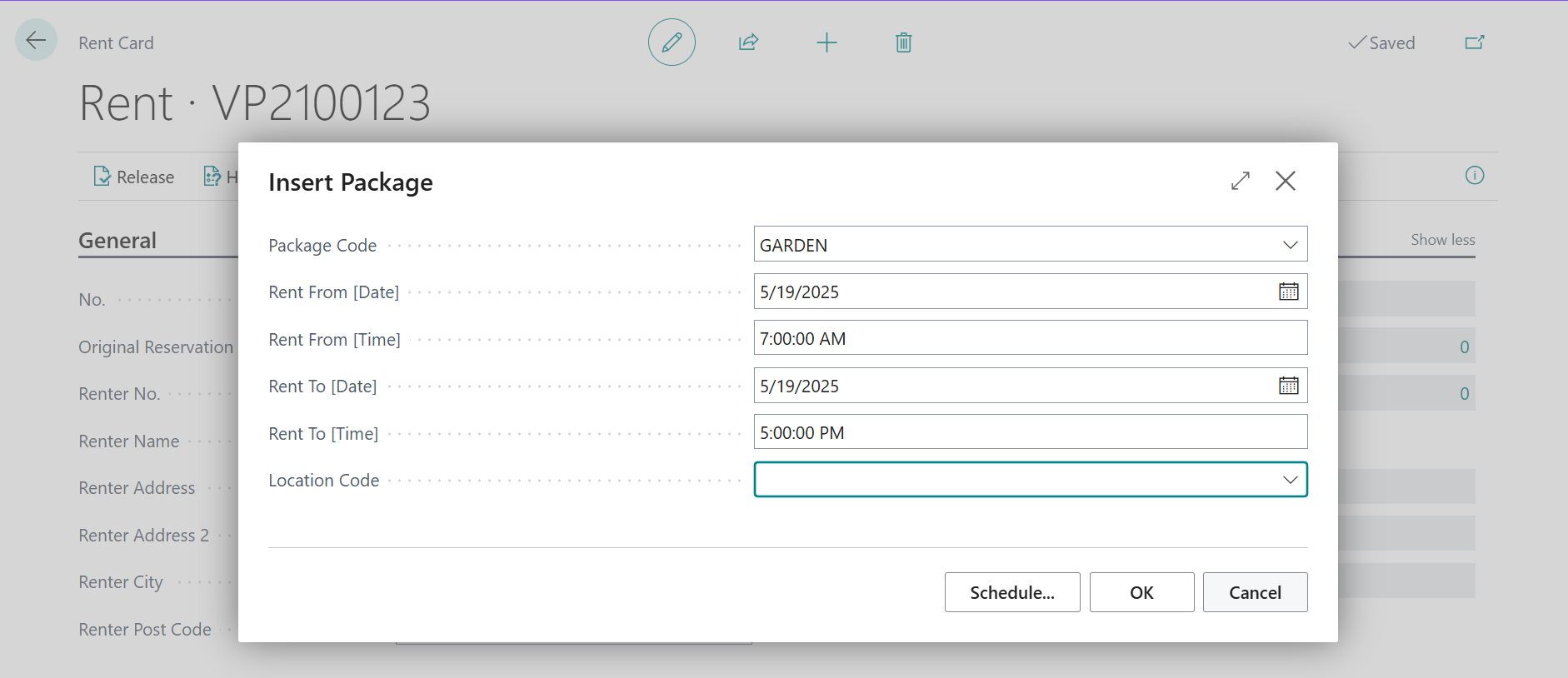
In Rental App is possibility to create Packages, which consists of various Rent Items. We prepared an example of this process for Oackage Garden, which contains wheelbarrow, shovel and mover.
Steps:
-
Create Rent Item from Item or Fixed Asset
-
For detailed process see How to create Rent Item.
-
-
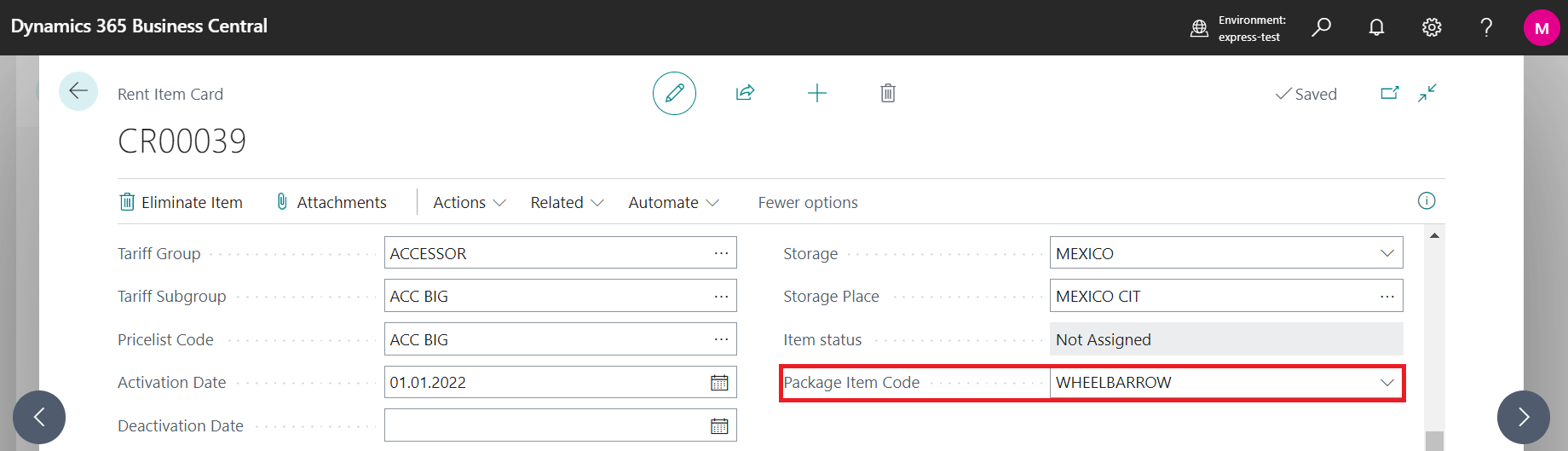
Assign Package Item Code for created Rent Item on Rent Item Card into field Package Item Code
-
Search for Package Item or create new Package Item in Package Items list
-
Package Items are created automatically for Rent Items created from Items
-
Package Items must be created manually for Rent Items created from Fixed Assets
-
-
-
Create Package composed by selected Package Items
-
Search for Package List
-
Create New Entry
-
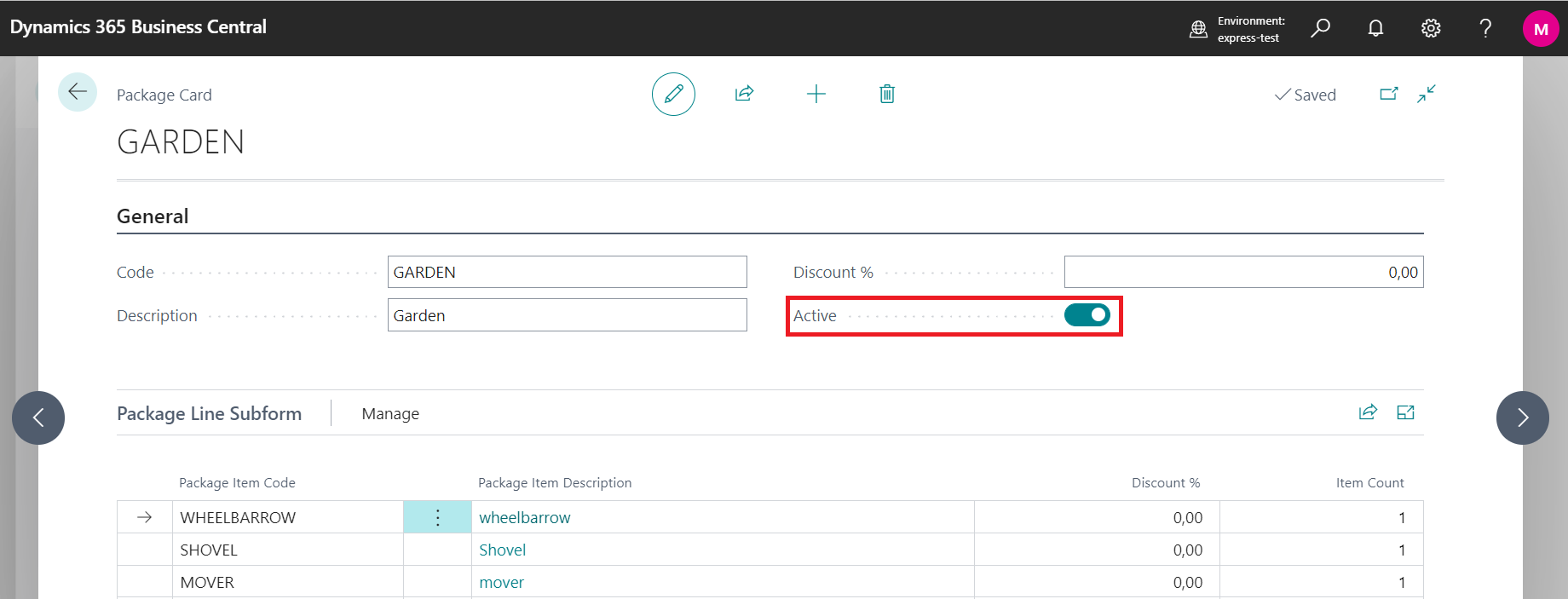
Enter Code, Description, Discount in % and make it Active
-
Enter Package Item Code and Item Count and compose the package
-
-
Now is package ready to be rented
-
Open function for Rent creation
-
Insert Package
-
Enter Rent From and Rent To data

-