
For changing payment terms is allowed perform this change in particular contract statuses as follows:
-
from Calculation to Signed
-
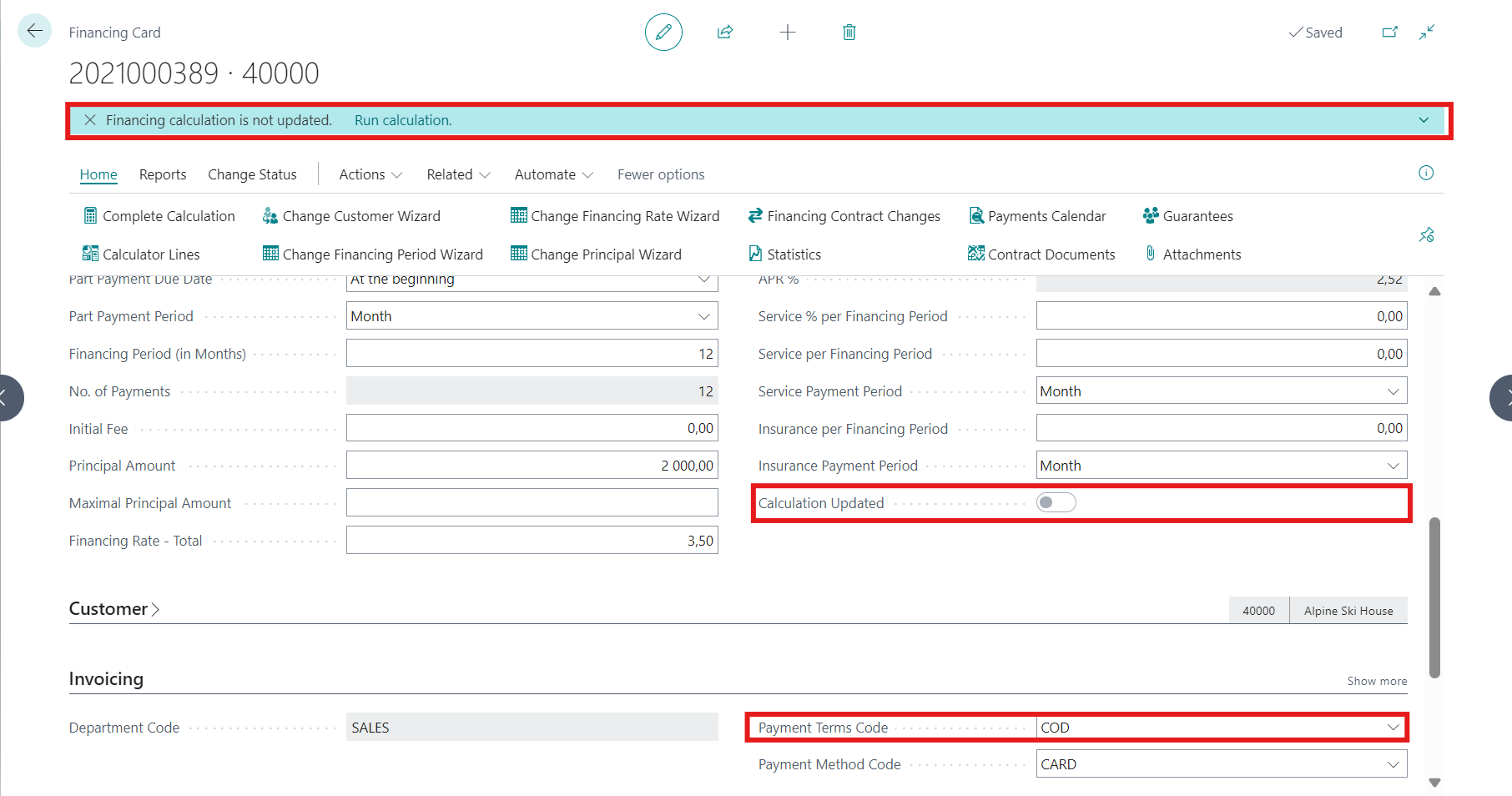
Change of payment term can be done directly on Financing Card modifying the field Payment Terms Code
-
Calculation Updated boolean is changed to NO
-
To take change into Payment Calendar, the user confirms this with Complete Calculation button.
-
In case recalculation was not done, warning message appears:
-
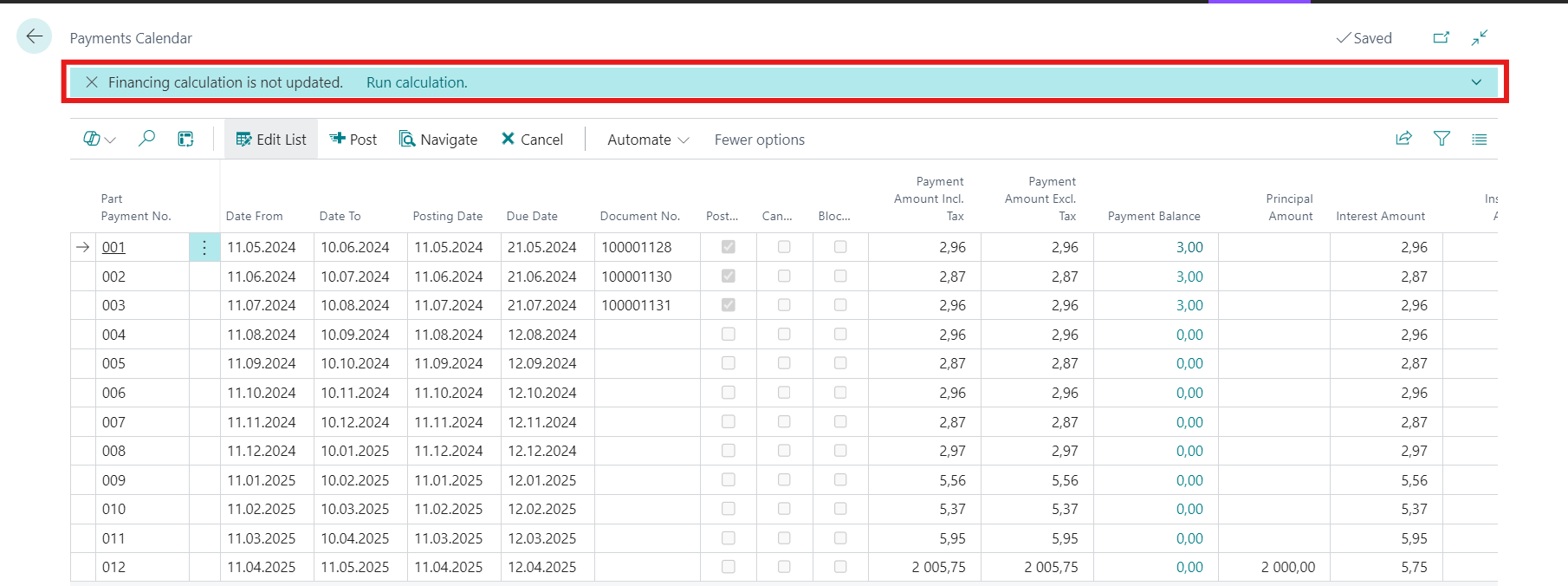
in Payment Calendar: "Financing calculation is not updated." From here can be started recalculation directly
-
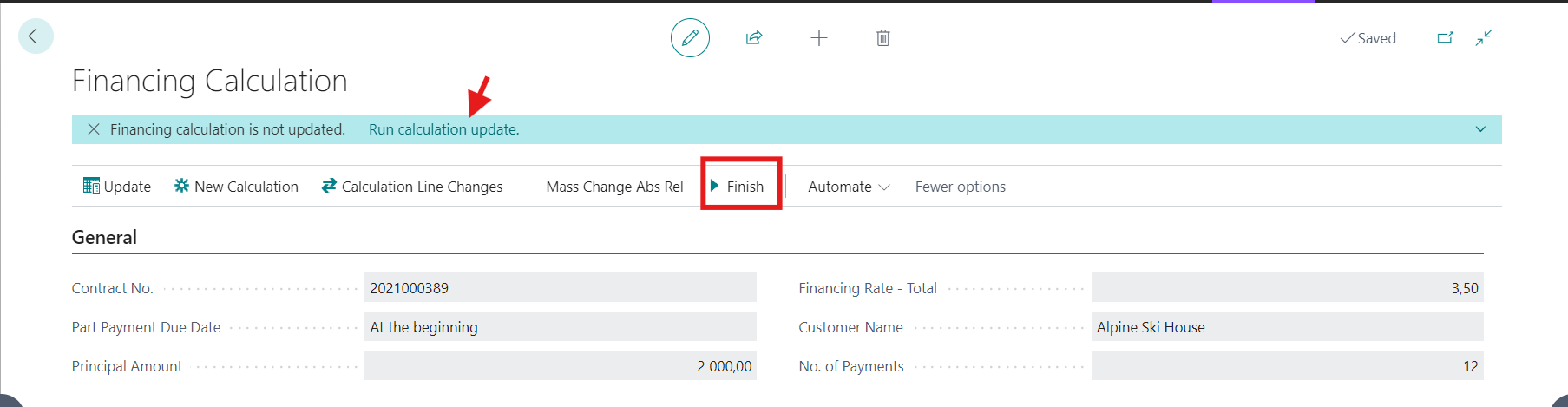
in Calculator Lines: "Financing calculation is not updated." From here can be started recalculation directly or Finish button makes the same job
-
on Financing Card in case we open not recalculated contract
-
-
-
Active
-
Change of payment term can be done directly on Financing Card modifying the field Payment Terms Code.
-
Calculation Updated boolean is switched to NO
-
To see changes in Payment Calendar, user needs to click on Finish button placed under Calculator Lines.
-
If entering to Payment Calendar or Calculator Lines and change was not recalculated yet, warning message appears:
-
"Financing calculation is not updated." From here can be started recalculation (Finish) directly.
-
The same notice appears also after opening Financing card.
-
-
-
Suspend, Closing, Settling, Archived
-
The Payment Terms Code field is not editable.
-
Find some screenshots for explanation:

Follow up:
How to change financing period