Import Rent Items from Items
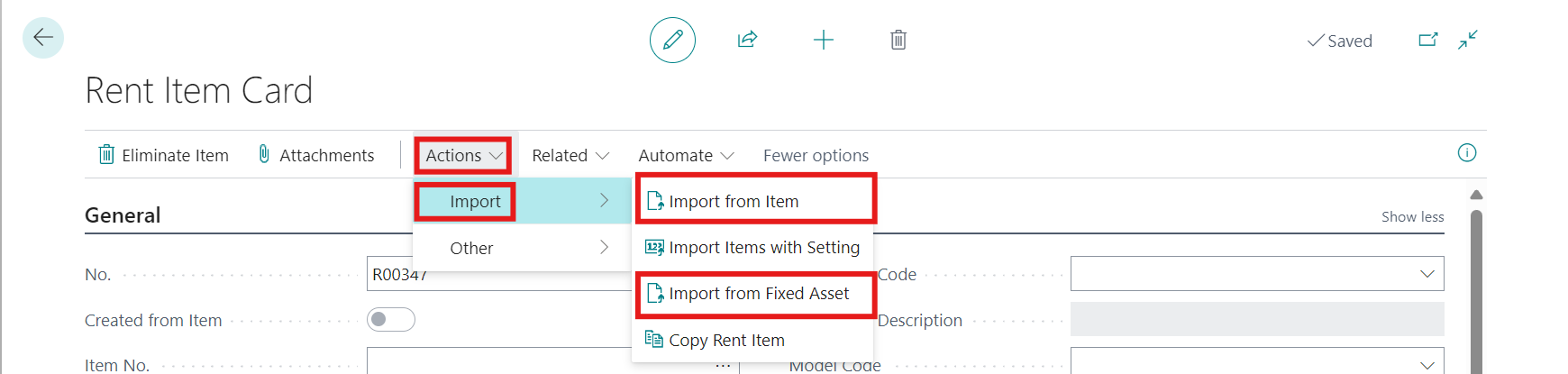
We have ability to make bulk import of Rent Items from Items via following function available on Rent Item Card/Actions/Import/Import from Item (Fixed Assets)
If we have available such items, which have following parameters
-
Rent Item = Yes, Max. Rent Item Count ≤ Quantity on Hand
and Rent items were not yet created from all of available amount saved in field Max. Rent Item Count, then clicking on button Import Items creates:
-
Detected missing number of Rent Items (without tariff group, tariff subgroup, pricelist), e.g. if Max. Rent Item Count = 100 and the detected number of Rent Items already created is 89, import function creates 11 new Rent Items
-
At the same time, the entry will be created into to the Package Item table
-
-
After running an import function, confirmation message appears: “Rent Items created from available items (without pricelist setup): 8
-
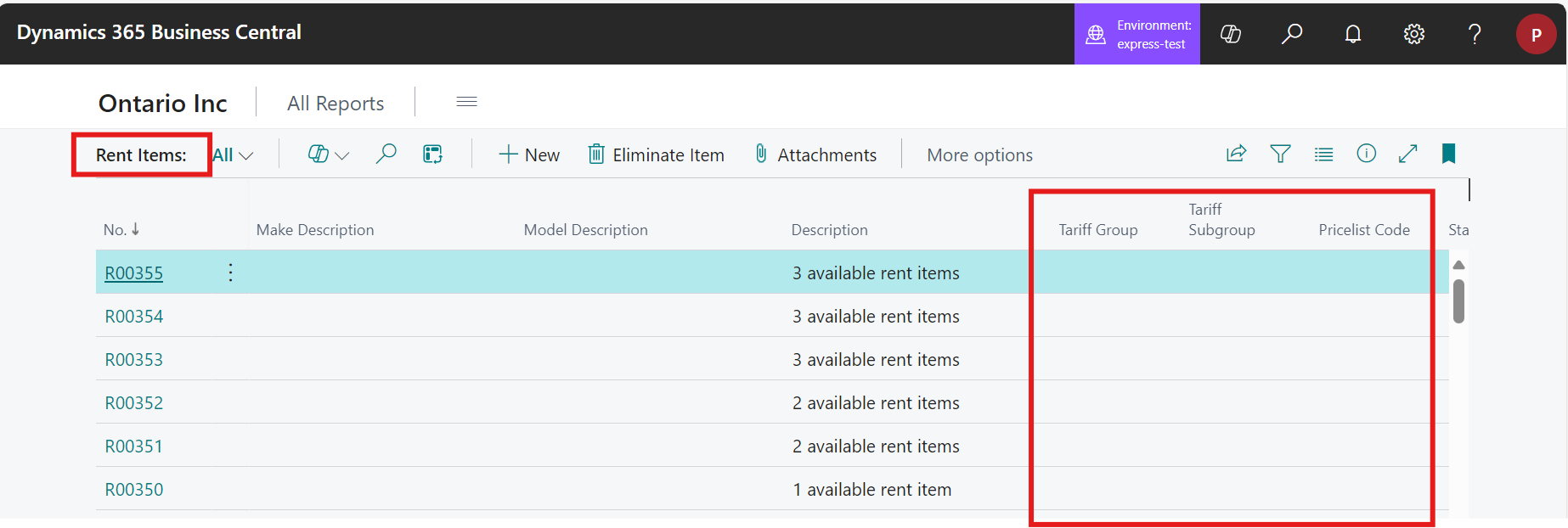
In Rent Items list is possible to see created items without Pricelist setup
Import Rent Items from Fixed Asset
-
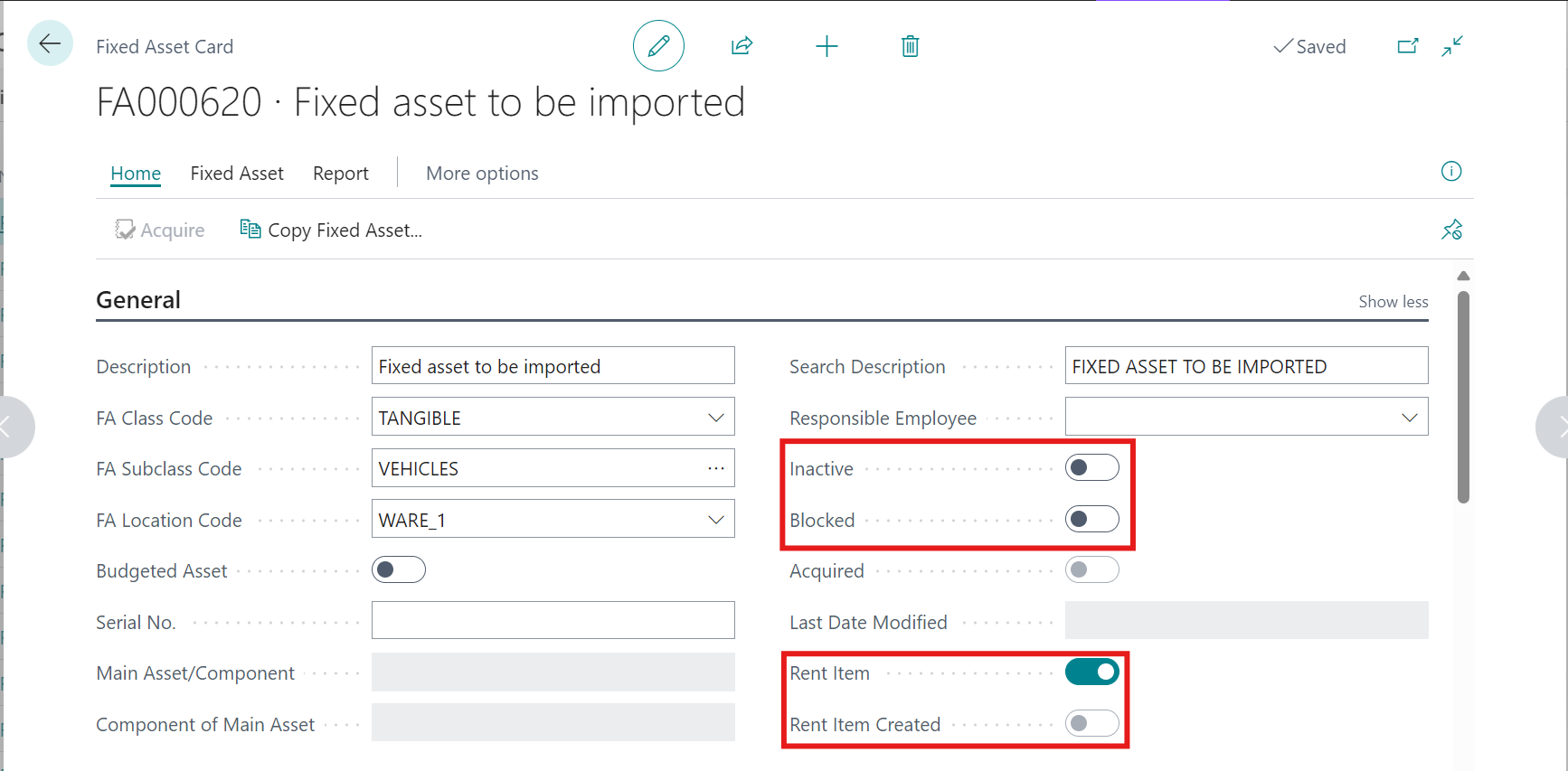
This function finds all Fixed Assets that have setup Rent Item = YES and Rent Item Created = NO, that are active and not blocked
-
After clicking on Actions/Import from FA
-
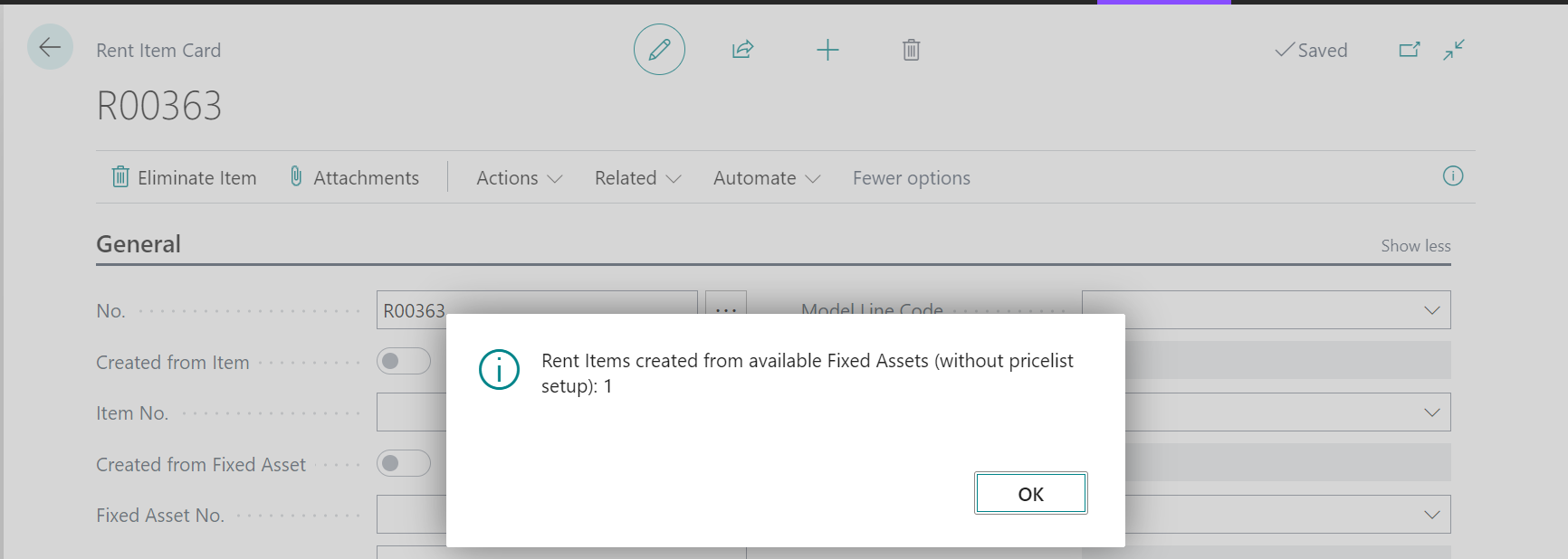
Confirmation message appears: “Rent Items created from available Fixed Assets (without pricelist setup): 1”
-
It will be created ONE Rent Item for each Fixed Asset found (without tariff group, tariff subgroup, pricelist).
-
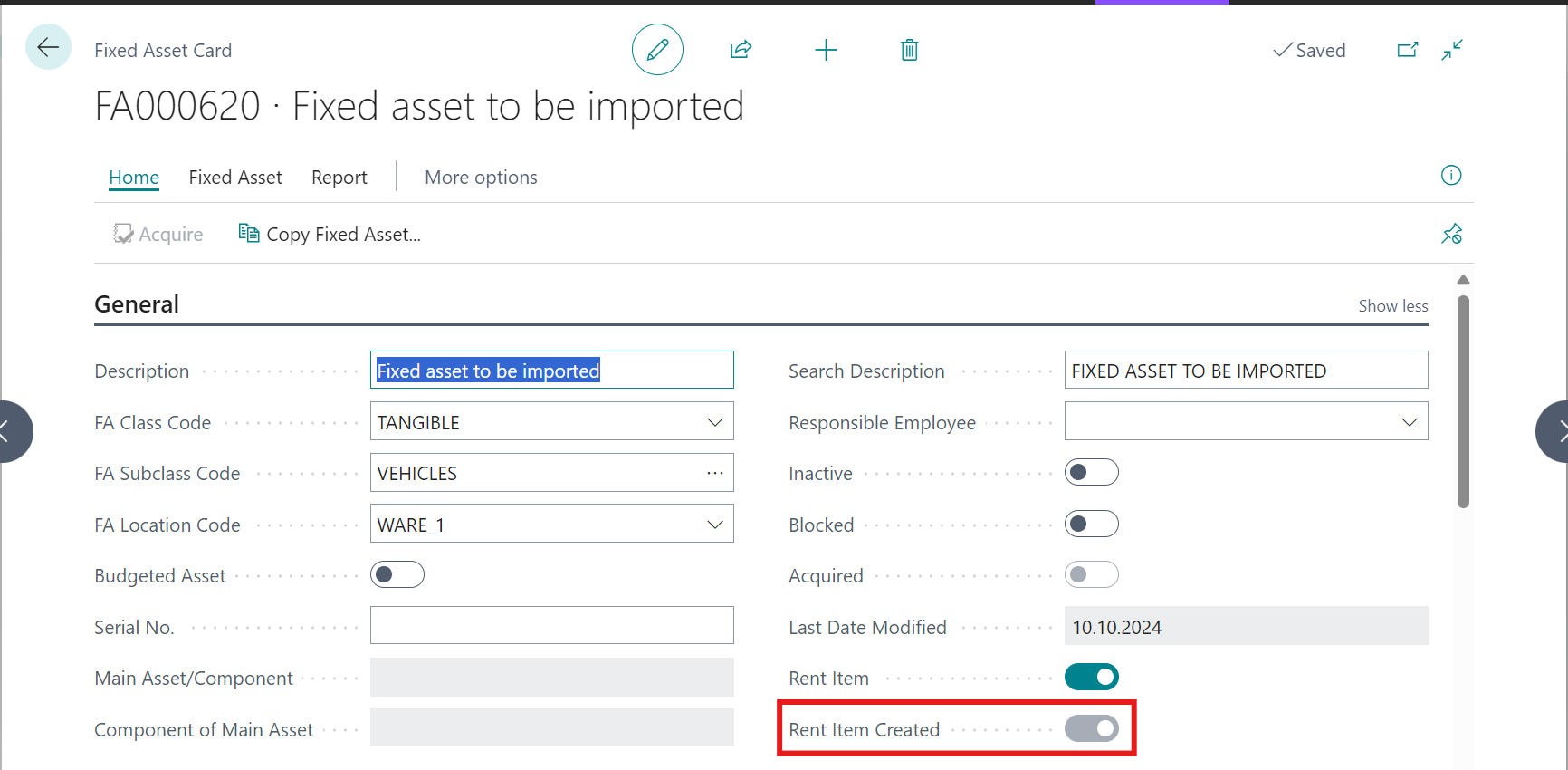
Tickbox Rent Item Created will be changed to YES

Note:
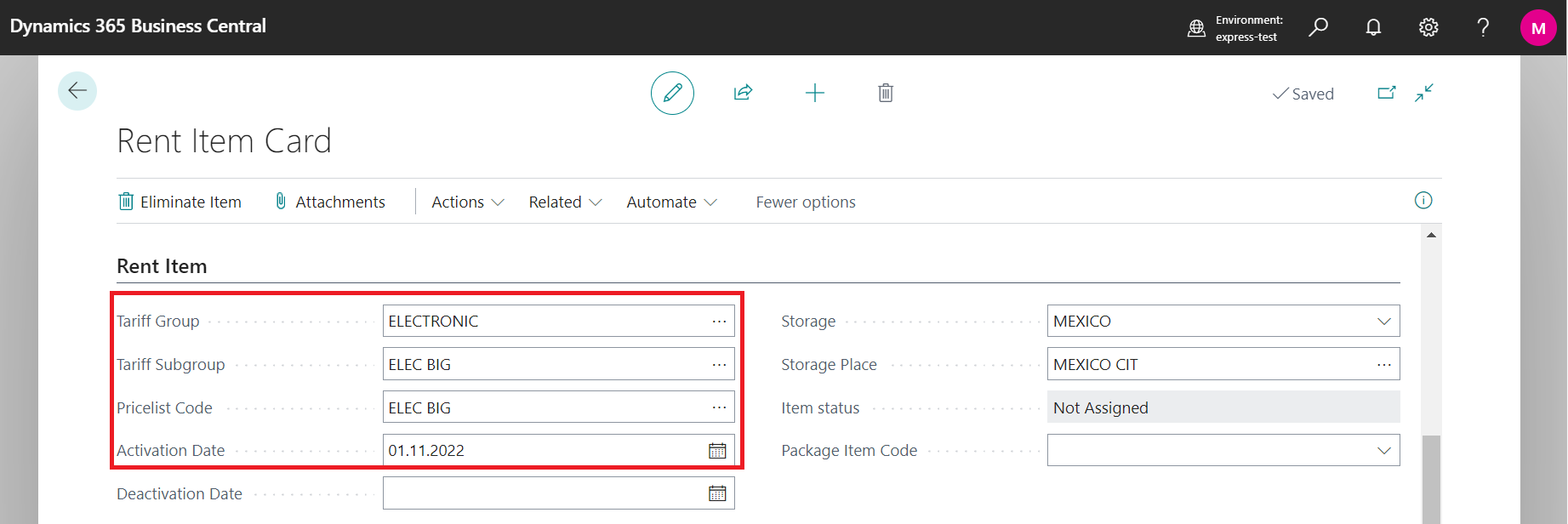
For using new Rent Item, don't forget to fill Tariff Group, Tariff Subgroup and Pricelist Code.
Create more Rent Items with Pricelist setup
-
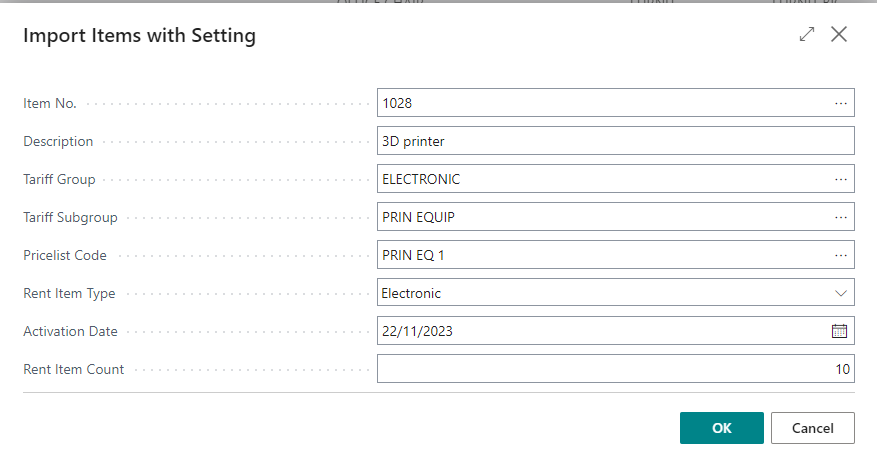
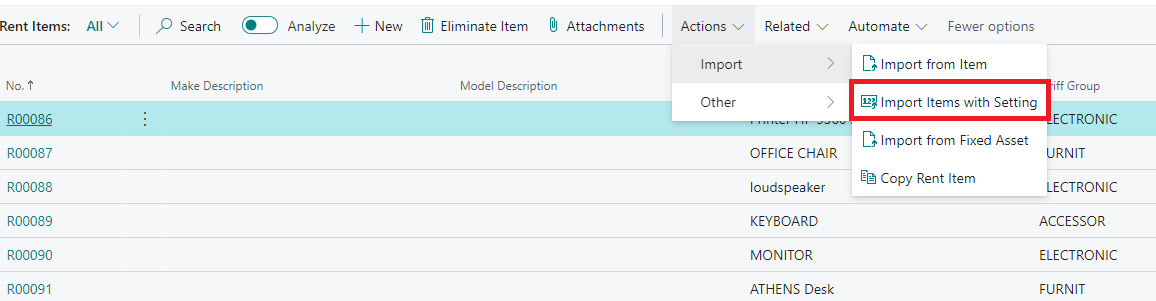
To create more Rent Items just in a few clicks, click on Rent Items/Actions/Import/Import Items with Setting
-
Choose the Item, from which you want to create Rent Item
-
Define the Tariff Group, Tariff Subgroup, Pricelist Code and other data
-
Enter the number of Rent Items, which have to be created (the system checks the maximum Rent Item Count from Item Card).