
This chapter describes the reminder creation in simple and general way. If you want to check the detail set up, please go to How to create reminder in detail. In general, a reminder is a letter sent to remind someone with list of payables which have overdue due date.
Steps:
-
Open List of Reminders, search for Reminders via Seachbar
-
On displayed screen click on function Create Reminders
-
In displayed window Create Reminders filter
-
Posting Date
-
Specifies the date that will appear as the posting date on the header of the reminder that is created by the batch job.
-
-
Document Date
-
Specifies the date that will appear as the document date on the header of the reminder that is created by the batch job. This date is used for any interest calculations and to determine the due date of the reminder.
-
-
Customer
-
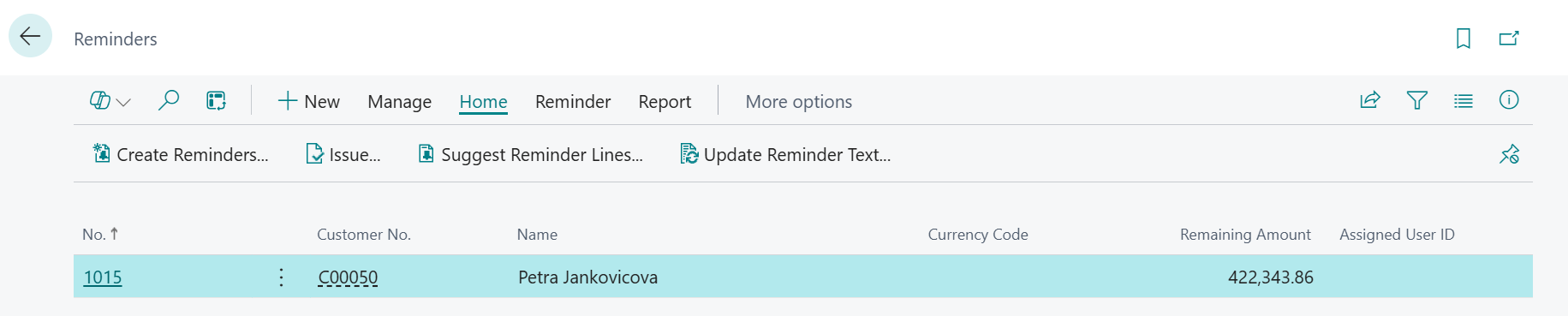
To create reminder for one customer is available function “Reminder” on Customer Card/Customer. Here is necessary to use “Suggest reminder lines” in order to create reminder lines.
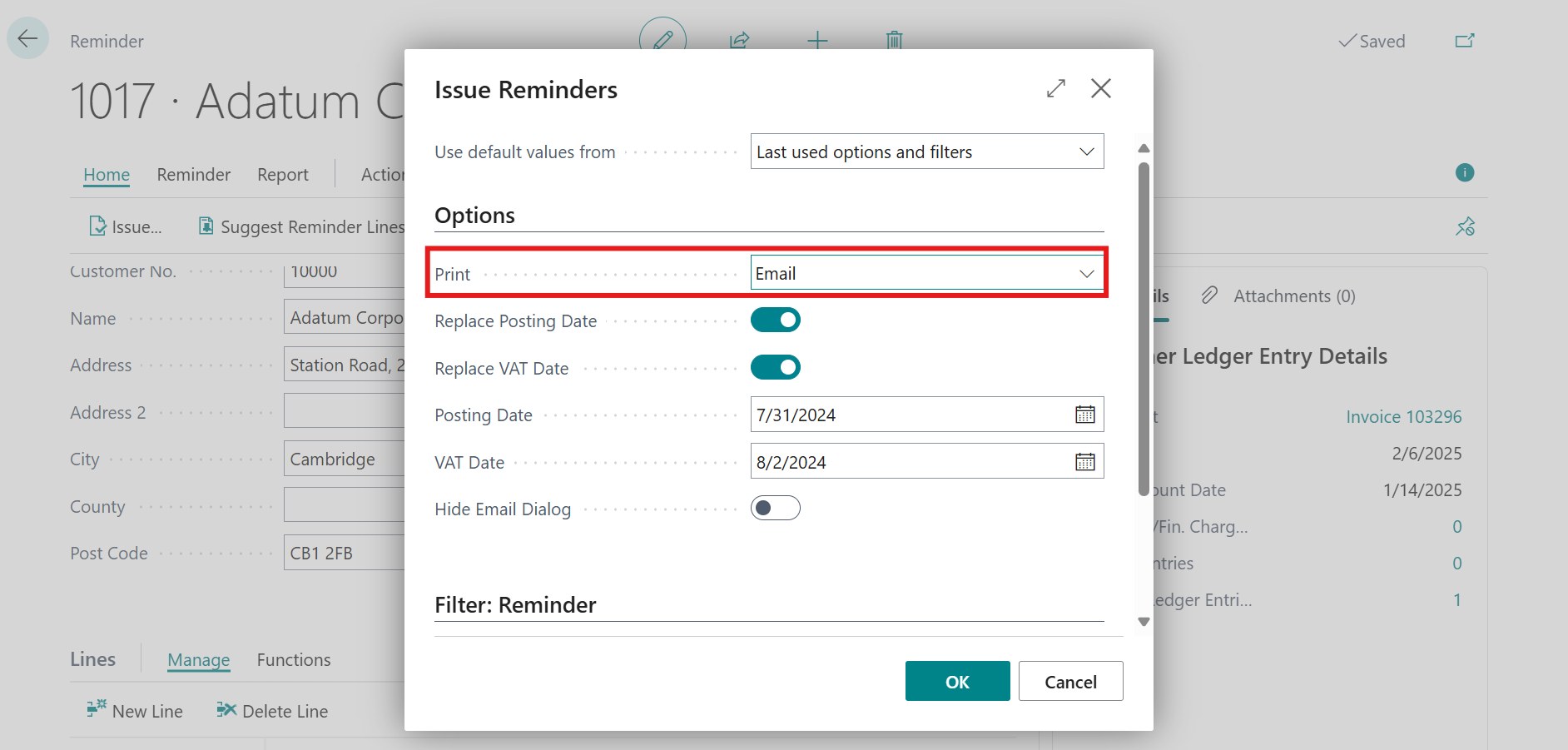
Reminders can be send to customer via button issue, where should be chosen Print Option - Email
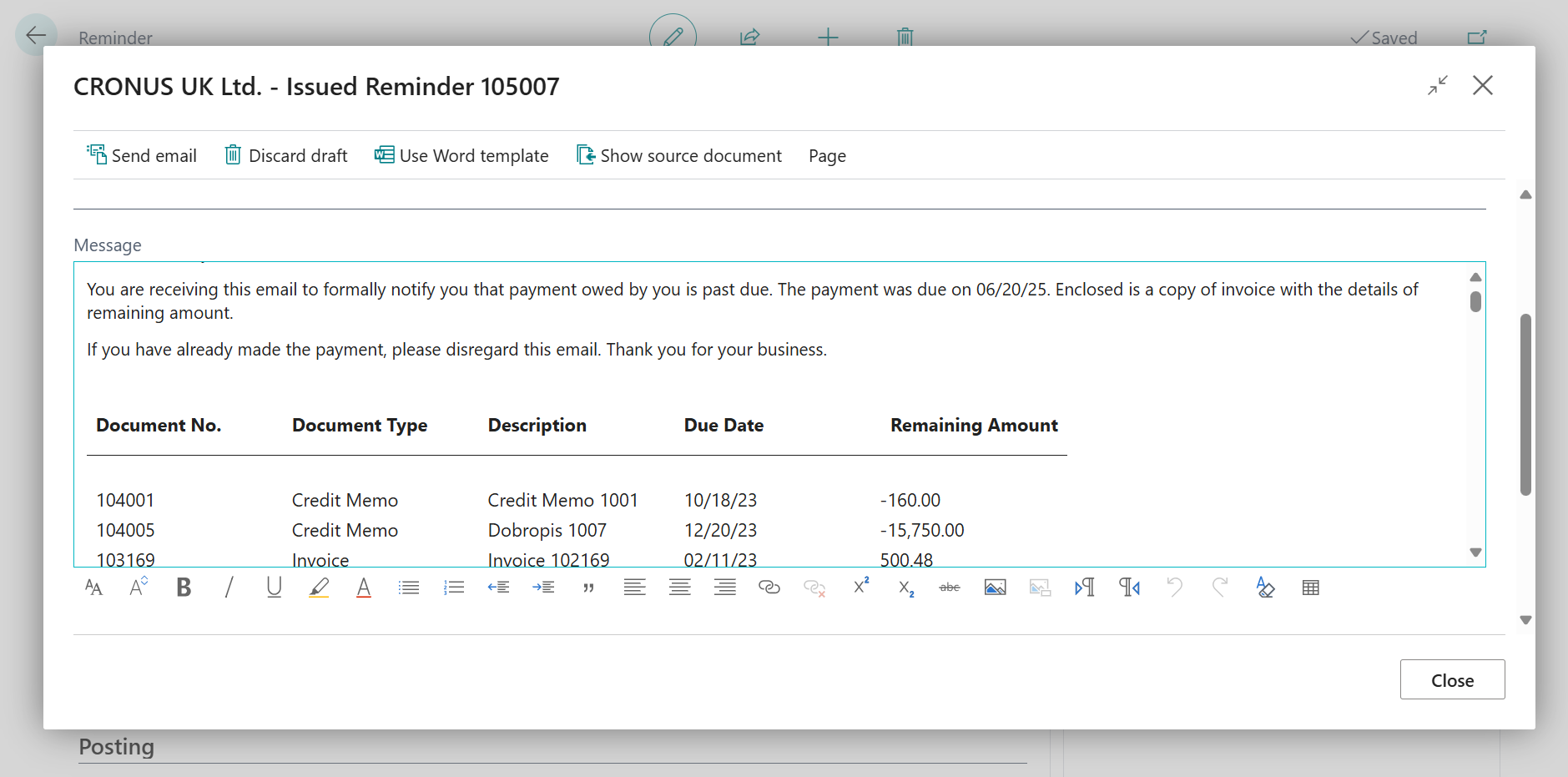
More information about how to send reminders can be found on Microsoft Learn (without guarantee):
Send reminders to customers in Dynamics 365 Business Central - Training | Microsoft Learn
Set Up Reminder Terms and Levels - Business Central | Microsoft Learn
Follow up:
How to do basic setup of OneCore Rental App